AI Plant ID & Care: Photos, Fixes, and Simple Routines
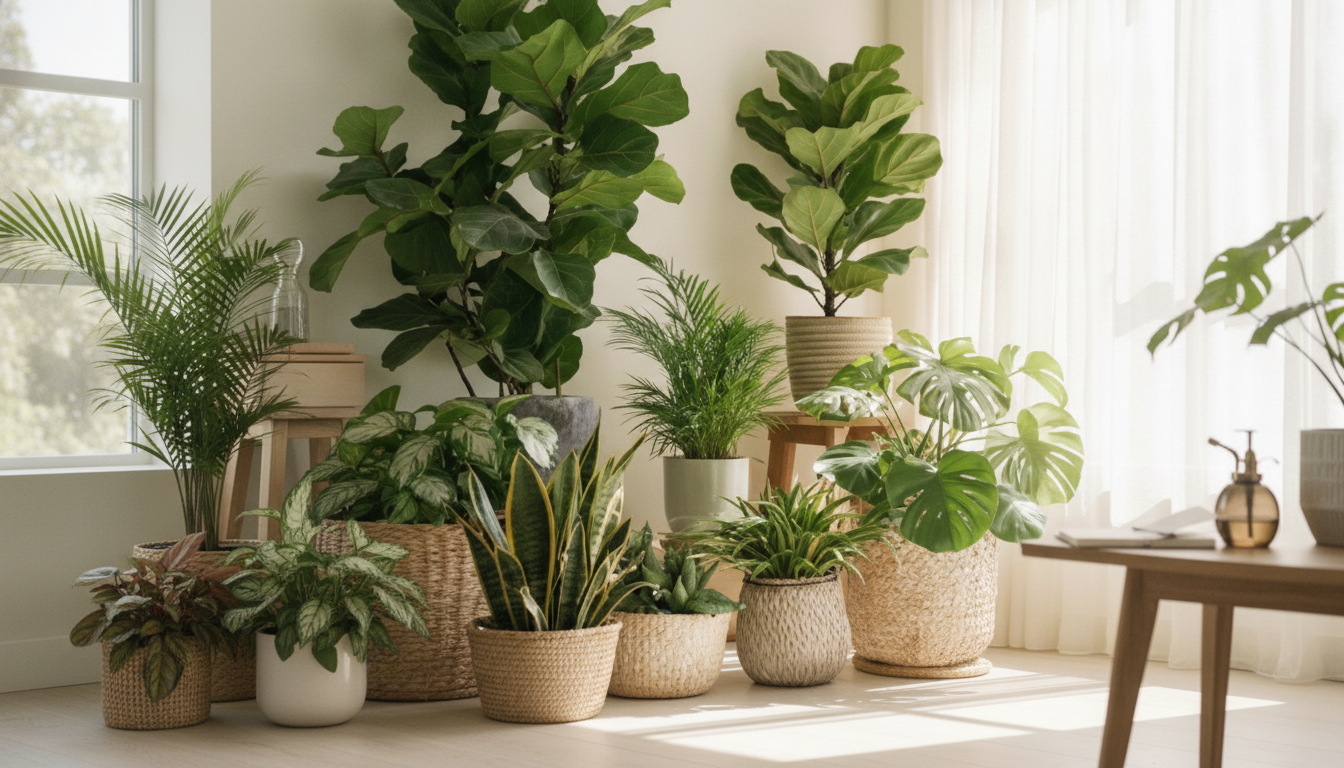
How AI Can Help You Identify and Care for Plants: A Digital Guide to Smarter Plant Parenting
AI plant tools can turn a quick photo and a few observations into a practical care plan—especially when plant labels are missing, symptoms are confusing, or schedules get busy. Instead of guessing, you can use AI to narrow down what you’re growing, translate generic tips into a routine that fits your home, and spot common problems early. The key is knowing what these tools are actually doing, how to feed them better inputs, and how to double-check results before changing care or applying treatments.
What AI Plant Identification Really Does
Most AI plant identification apps work by comparing your photo to huge image libraries and then ranking the best matches. That’s powerful, but it’s not magic—especially when many plants share similar leaves or when indoor lighting changes colors.
- Matches leaf shape, vein patterns, flower structure, and growth habit against large image databases to suggest likely species or cultivars.
- Uses confidence scoring and “similar look-alikes” lists to reduce misidentification when plants share traits.
- Adds context from location, season, and user notes (light level, pot size, watering frequency) to improve recommendations.
- Works best when paired with basic observation skills: leaf arrangement, stem type, bloom details, scent, and sap.
When results conflict, treat the app output as a shortlist. Cross-check with reputable references like the NC State Extension Gardener Plant Toolbox or the Missouri Botanical Garden Plant Finder before you make big changes (like full sun exposure or aggressive pruning).
How to Take Photos That Improve Identification Accuracy
Photo quality matters more than most people expect. One sharp, well-lit image can outperform ten dim snapshots taken under purple grow lights.
- Capture three angles: whole plant, a close-up of leaves, and a close-up of flowers/fruit (if present).
- Use natural light and a plain background when possible; avoid harsh shadows and strong color casts from grow lights.
- Include scale (a fingertip or coin nearby) for small succulents, seedlings, and herbs.
- Photograph key features: leaf edges (smooth/serrated), underside of leaves, stems, nodes, and any thorns or hairs.
- Retake images after wiping dust from leaves; dust can mimic pest damage and reduce model confidence.
Quick photo checklist for stronger AI matches
| Photo | What to include | Common mistake to avoid |
|---|---|---|
| Full plant | Overall shape, pot/ground context | Cropping too tight so growth habit is unclear |
| Leaf close-up | Front and underside, edges, veins | Using flash glare that washes out texture |
| Stem/node detail | Where leaves attach, new growth points | Blurry focus on background instead of stem |
| Flower/fruit (if any) | Color, petal count, cluster shape | Only photographing petals without the whole bloom structure |
| Problem area | Spots, curling, pests, soil surface | Over-editing photos with filters that change colors |
Turning an ID Into a Care Plan (Without Overcomplicating It)
Once you have a likely ID, focus on a few fundamentals that drive most outcomes: light, water, and temperature. AI can help translate “bright indirect light” into a specific window or patio zone, but your routine should be built around cues you can verify.
- Confirm basics first: plant type (tropical houseplant, succulent, herb, shrub) and typical light needs (low/medium/bright indirect vs full sun).
- Translate recommendations into habits: watering cues (dryness depth, pot weight) and frequency ranges rather than strict calendar rules.
- Set guardrails: safe temperature range, humidity targets, and whether the plant is pet-safe or toxic.
- Create a simple “starter routine” for the first two weeks, then adjust based on new growth, leaf firmness, and soil dry-down time.
- Use AI-generated reminders as prompts, but verify with a quick soil check to avoid overwatering.
If you want a repeatable workflow you can use for every new plant, the digital download How AI Can Help You Identify and Care for Plants – A Digital Guide to AI Plant Identification Help is designed to keep the process simple: identify, confirm, set cues, and adjust with the seasons.
Using AI to Spot Problems Early: Pests, Disease, and Stress Signals
Symptom photos are where AI feels most “instant,” but also where mistakes can get expensive. Yellowing, spotting, and drooping can come from totally different causes, and many issues overlap visually.
When you’re unsure, conservative plant-care guidance from the Royal Horticultural Society (RHS) Gardening Advice can help you sanity-check the basics before escalating to stronger interventions.
Building a Digital Plant Journal That Actually Helps
Prefer pen-and-paper? A dedicated notebook like Am I Perfect No Spiral Notebook – Funny Notebook – Best Design Notebook can be an easy place to keep one page per plant: ID notes, light rating, and a short timeline of watering and changes.
Common AI Mistakes and How to Avoid Them
A Practical Setup for Busy Plant Owners
Digital Guide: AI Plant Identification Help
If you want a structured, repeatable way to go from “What is this plant?” to “I know exactly what to do next,” How AI Can Help You Identify and Care for Plants – A Digital Guide to AI Plant Identification Help is built for quick reference and real-life use.
FAQ
Are AI plant identification apps accurate enough to trust?
They can be very accurate with clear photos, but results vary by plant group and look-alikes. Use multiple images, review the similar-match list, and confirm with a reputable plant database before changing care or starting treatment.
Can AI diagnose plant diseases from a photo?
AI can suggest likely causes, but many diseases and stress issues look similar in photos. Confirm with simple checks (pests, soil moisture, airflow, and root health) and start with conservative steps before applying stronger treatments.
What’s the fastest way to use AI to improve plant care routines?
Use a simple loop: identify the plant, confirm light needs, set watering cues you can verify, log one monthly reference photo, and adjust seasonally. Keep notes minimal so you actually maintain the routine.